
Description
Duplicator Pro – The Ultimate WordPress Migration & Backup Plugin
If you manage one or multiple WordPress websites, you know that site migration, cloning, and reliable backups are non-negotiable for security and efficiency. Duplicator Pro is the industry-leading WordPress plugin designed to simplify these complex tasks. It takes your entire WordPress site—including the database, themes, plugins, and files—and packages it into a single, compact zip file.
With over 40 million downloads of its core version, Duplicator Pro transforms a potential hours-long manual migration into a simple, wizard-driven process. Whether you are moving a client’s site to a new host, creating a staging environment, or securing a full disaster recovery point, Duplicator Pro provides the speed, reliability, and advanced features needed to work like a pro.
Key Features
The free version of Duplicator Pro (Lite) offers essential manual backup and migration capabilities, making it the perfect starting point for smaller sites.
-
Easy Backup Creation: Quickly bundle your entire site into a single, portable package.
-
Manual Site Migration: Move your WordPress site to a new location without downtime.
-
File & Database Filters: Choose exactly what to include or exclude from your backup archives.
-
Zero-Downtime Transfers: Minimize interruption during domain or host migrations.
Pro Features
Unlock enterprise-grade features and unparalleled security with the premium version of Duplicator Pro.
-
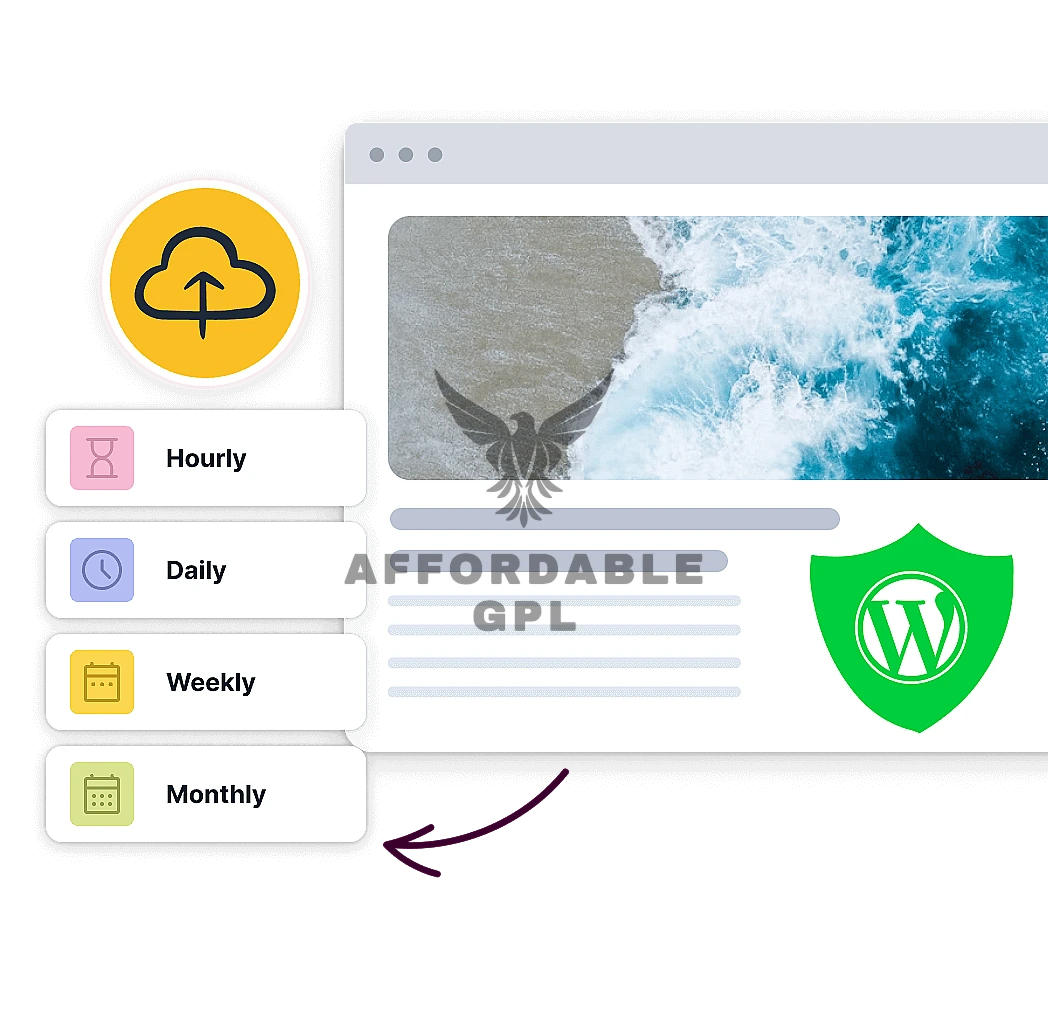
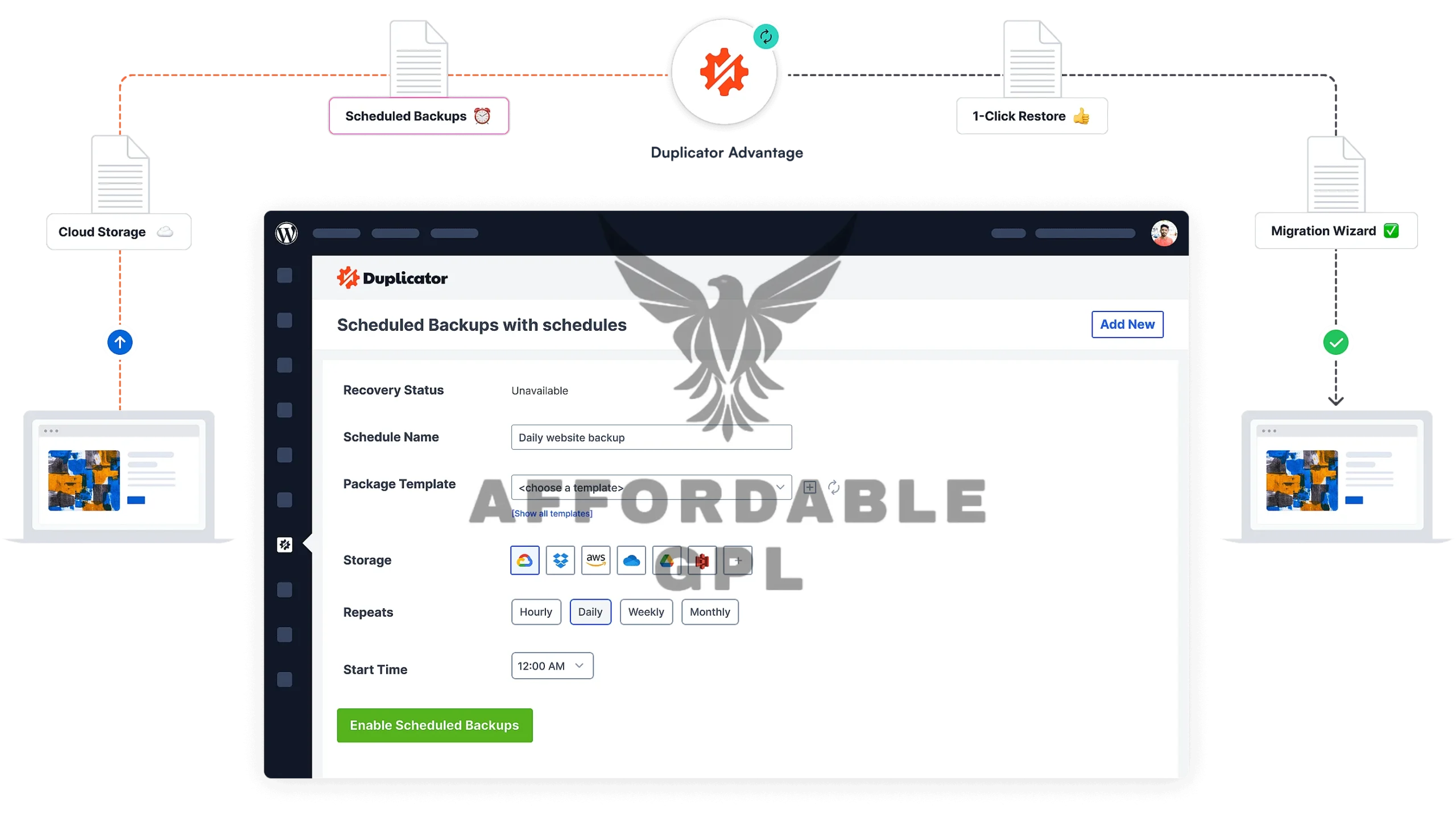
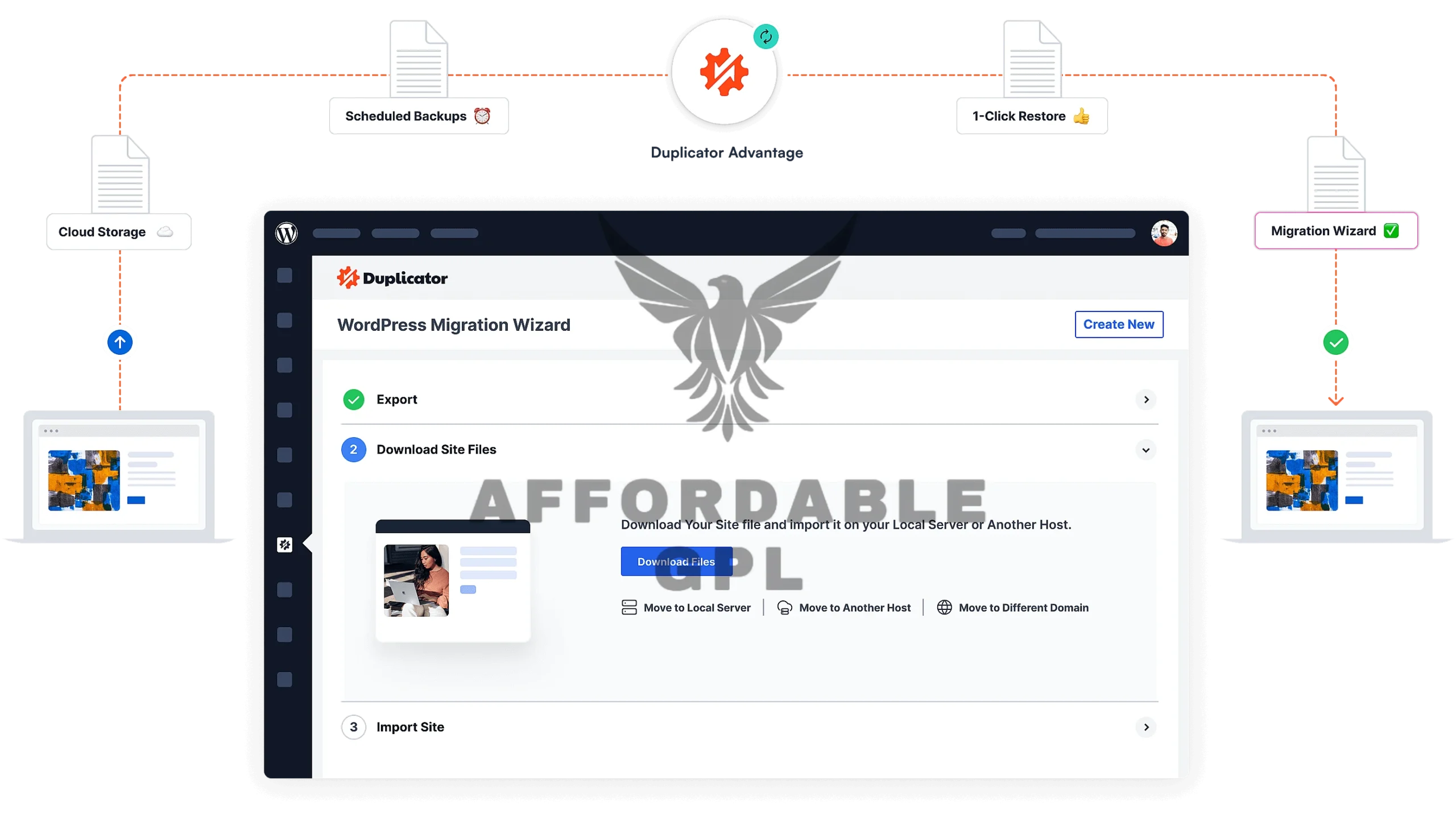
⚡ Scheduled & Incremental Backups: Automate hourly, daily, weekly, or monthly backups. Incremental backups save time and storage by only backing up files that have changed since the last run.
-
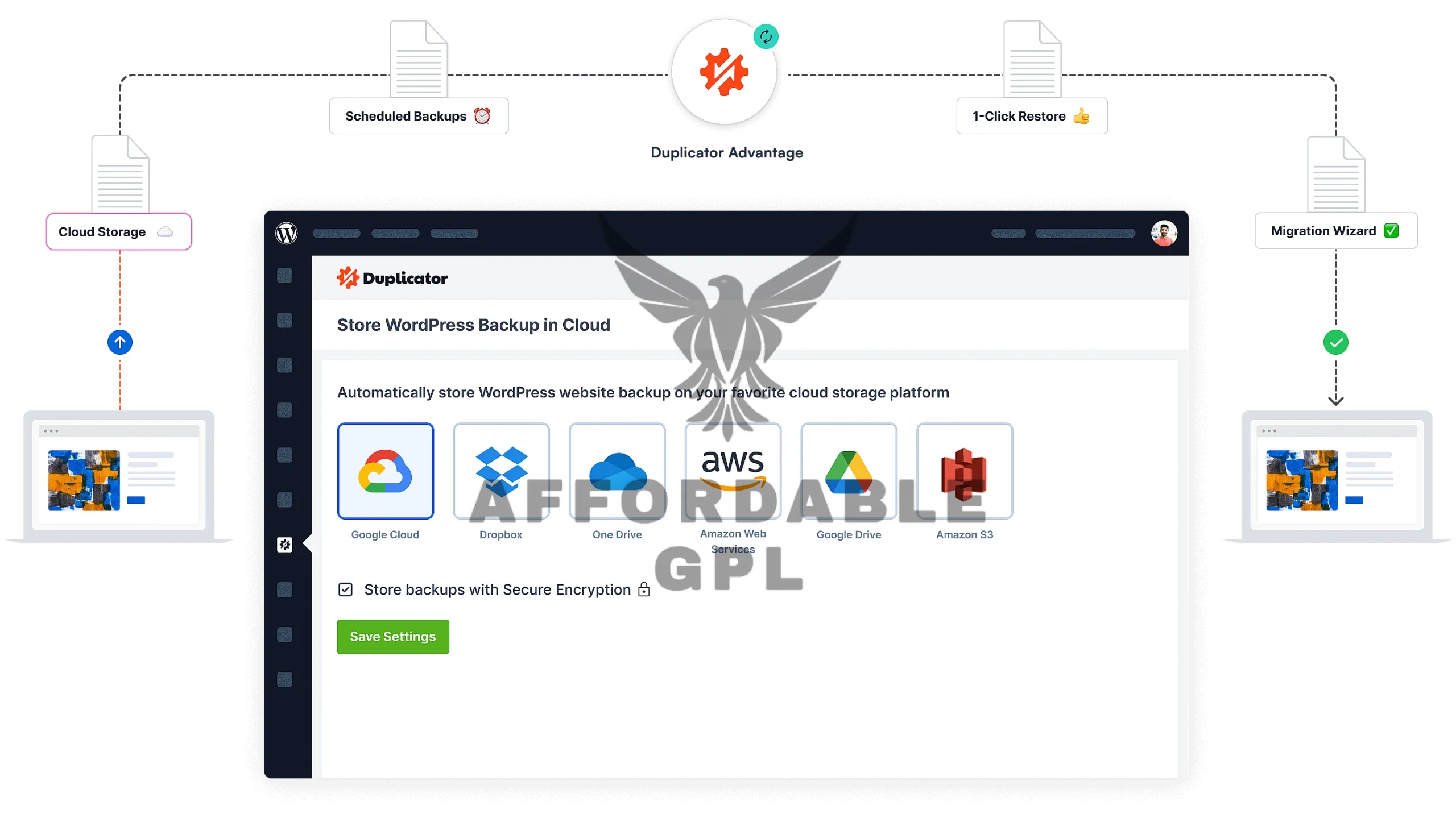
☁️ Cloud Storage Integration: Securely store your backups off-site. Compatible with Dropbox, Google Drive, Microsoft OneDrive, Amazon S3, FTP/SFTP, and all S3-compatible storage.
-
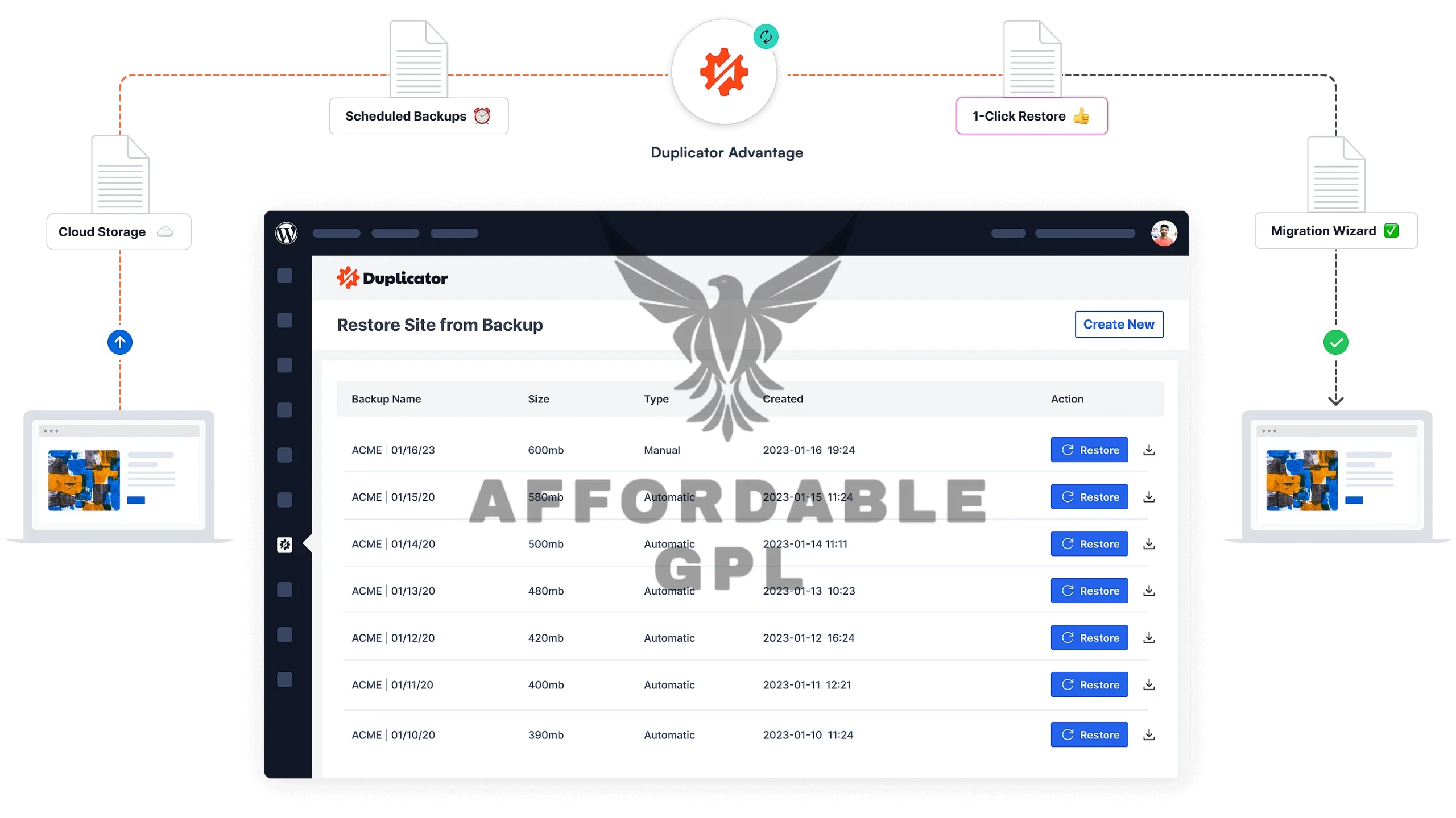
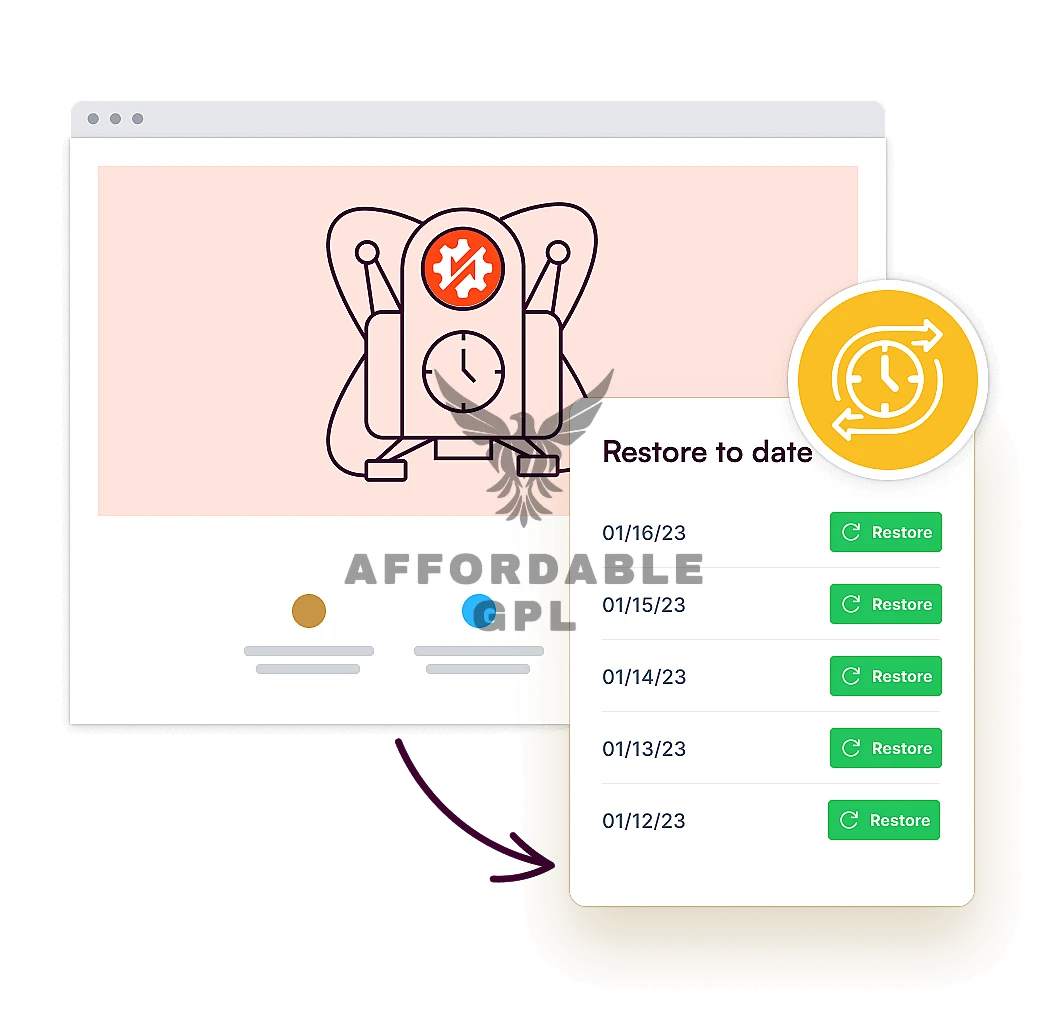
🔄 One-Click Recovery Points: Instantly restore your entire site from a stored recovery point, even if you are locked out of your WordPress admin area.
-
🌐 Multisite Support: Easily migrate a full Multisite network or install a subsite as a standalone WordPress installation.
-
🔗 Drag-and-Drop Migrations: Simplest installation wizard. Simply drag the Duplicator package into the installer file’s location to start the migration.
-
🔑 Secure File Encryption (AES-256): Encrypt your sensitive backup packages with military-grade security.
WooCommerce Integration
Duplicator Pro is fully optimized to handle the unique demands of an e-commerce platform built with WooCommerce.
-
Reliable Database Handling: Seamlessly manages large and complex WooCommerce databases, ensuring all product data, orders, and customer information are accurately backed up and migrated.
-
Full Store Replication: Clone your entire WooCommerce store to a staging server for testing updates without affecting your live sales.
-
No Data Loss: Guarantees successful migration of serialized data, which is crucial for variable products and custom fields used by WooCommerce.
-
Fast Restore for E-commerce: Quickly restore your entire online store in case of a catastrophic error or security breach, minimizing costly downtime.
Setup & Installation
Installing Duplicator Pro is a swift process designed for developers and site owners alike.
-
Step 1: Download the Plugin: Download the latest version of Duplicator Pro from your account area.
-
Step 2: Upload to WordPress: In your WordPress dashboard, navigate to Plugins > Add New > Upload Plugin and select the ZIP file.
-
Step 4: Create Your First Package: Go to Duplicator Pro > Packages > Create New to bundle your entire site.
How to Install & Configure
This simple guide helps non-technical users perform a complete site migration using this.
-
Create Your Package: Inside your existing site’s WordPress admin, go to plugin and create a new package. Download the resulting Archive File and the Installer.php file.
-
Upload to New Host: Use an FTP program or your host’s file manager (cPanel) to upload both files to the empty root directory of your new hosting environment.
-
Run the Installer: Open your web browser and navigate to
yournewdomain.com/installer.php. -
Follow the Wizard: The Duplicator Pro setup wizard will guide you through connecting to your new database and automatically replacing all old URLs and file paths with the new ones.
-
Final Cleanup: Once the process is complete, you will be prompted to log into your new site and clean up the installation files. Your site is now successfully migrated!
Mobile-Friendly & UX Experience
Duplicator Pro is designed for a seamless user experience across all devices, ensuring that crucial site management can be performed anywhere.
-
Responsiveness: The entire Duplicator Pro interface is fully responsive, adapting perfectly to desktop, tablet, and mobile screens.
-
Mobile Flow: Essential tasks like checking backup status, running an on-demand backup, or verifying cloud storage connections are easy and intuitive via a mobile browser.
-
UI/UX Benefits: A clean, modern, and step-by-step wizard interface simplifies complex migration and restoration processes, drastically reducing the learning curve for new users of Duplicator Pro.
Performance & Scalability
Engineered for speed and reliability, this Plugin handles large and demanding WordPress sites, including high-traffic e-commerce stores.
-
Speed Optimization: Utilizes a custom, multi-threaded backup engine designed to prevent timeouts and handle massive databases efficiently.
-
Database Usage: Features advanced file and database table filters, allowing you to exclude unnecessary data and keep your backup packages lean and fast.
-
Compatibility with Caching/CDN: Works seamlessly alongside popular caching plugins (e.g., LiteSpeed Cache, WP Rocket) and CDN services (e.g., Cloudflare), ensuring no conflicts during the packaging or deployment process.
-
Scalability for Large Stores: Successfully used to migrate and backup sites up to 400GB, making it the perfect choice for growing WooCommerce or membership sites.
Pricing
- Original Price: $99 + / Yearly | Visit Site
FAQS
-
What is Duplicator Pro and how does it help with WordPress sites? Duplicator Pro is a premium WordPress plugin that bundles your entire website (files, database, themes, plugins) into a single, easy-to-use archive for migration, cloning, or backup purposes.
-
Does Duplicator Pro support scheduled backups? Yes, This is best known for its advanced scheduling feature, allowing you to automate hourly, daily, weekly, or monthly backups.
-
Can I use Duplicator Pro to move my site to a new host? Absolutely. Site migration is the primary function of Pugin, providing a simple wizard to move your entire site between hosts or domains with ease.
-
Is there a free version of Duplicator Pro available? Yes, a free, feature-limited version (Duplicator Lite) is available on the WordPress repository. The premium features are unlocked with a Duplicator Pro license.
-
Does Duplicator Pro offer cloud storage integration for backups? Yes, premium plans of Plugin offer seamless integration with popular services like Dropbox, Google Drive, Amazon S3, and OneDrive for secure, off-site storage
Duplicator Pro Review
Vendor Site Review
The vendor site and official reviews highlight Duplicator Pro‘s reputation as the most reliable migration and backup tool for WordPress. Users consistently praise the intuitive installer wizard and the ability to perform large-site migrations that often fail with other plugins. The 4.9/5 star rating with thousands of reviews on the repository reflects industry trust and high user satisfaction.
User Expert Reviews
Expert reviews on G2 and other platforms confirm that while the initial setup might be slightly more technical for complete beginners than some alternatives, the unparalleled reliability and comprehensive feature set, especially the scheduled backups and cloud connectivity, make Duplicator Pro an invaluable asset for developers, agencies, and e-commerce store owners. The ability to restore a site without a working WordPress dashboard is cited as a significant, life-saving feature.
Reviews
There are no reviews yet.