
Description
SeedProd Pro – The Ultimate Drag & Drop WordPress Website & Theme Builder Plugin
Stop wrestling with slow, complicated WordPress themes and builders. SeedProd Pro is the game-changing drag-and-drop WordPress website builder that empowers you to create custom themes, lightning-fast landing pages, and professional WooCommerce stores without writing a single line of code. From Coming Soon pages that build your email list to a full Theme Builder for limitless design, SeedProd Pro gives you complete control and unmatched speed. Elevate your site’s performance and conversion rate today.
Key Features
SeedProd Pro is designed to save you time and boost your site’s speed and conversions. These core features make it the undisputed leader in no-code WordPress site building:
-
Complete WordPress Theme Builder: Go beyond pages. Create custom headers, footers, posts, pages, and global parts—allowing you to design your entire WordPress site from scratch using a visual editor.
-
Drag & Drop Visual Editor: An intuitive, lightning-fast interface that lets you see your changes in real-time. No more back-and-forth; what you see is precisely what your visitors get.
-
100+ Pro Page Blocks: Access essential blocks like Countdown Timers, Animated Headlines, Contact Forms, Testimonials, and over 20+ WooCommerce-specific blocks to maximize conversions.
-
Domain Mapping: Map individual landing pages to external domains, perfect for agency work or running highly targeted, external marketing campaigns.
-
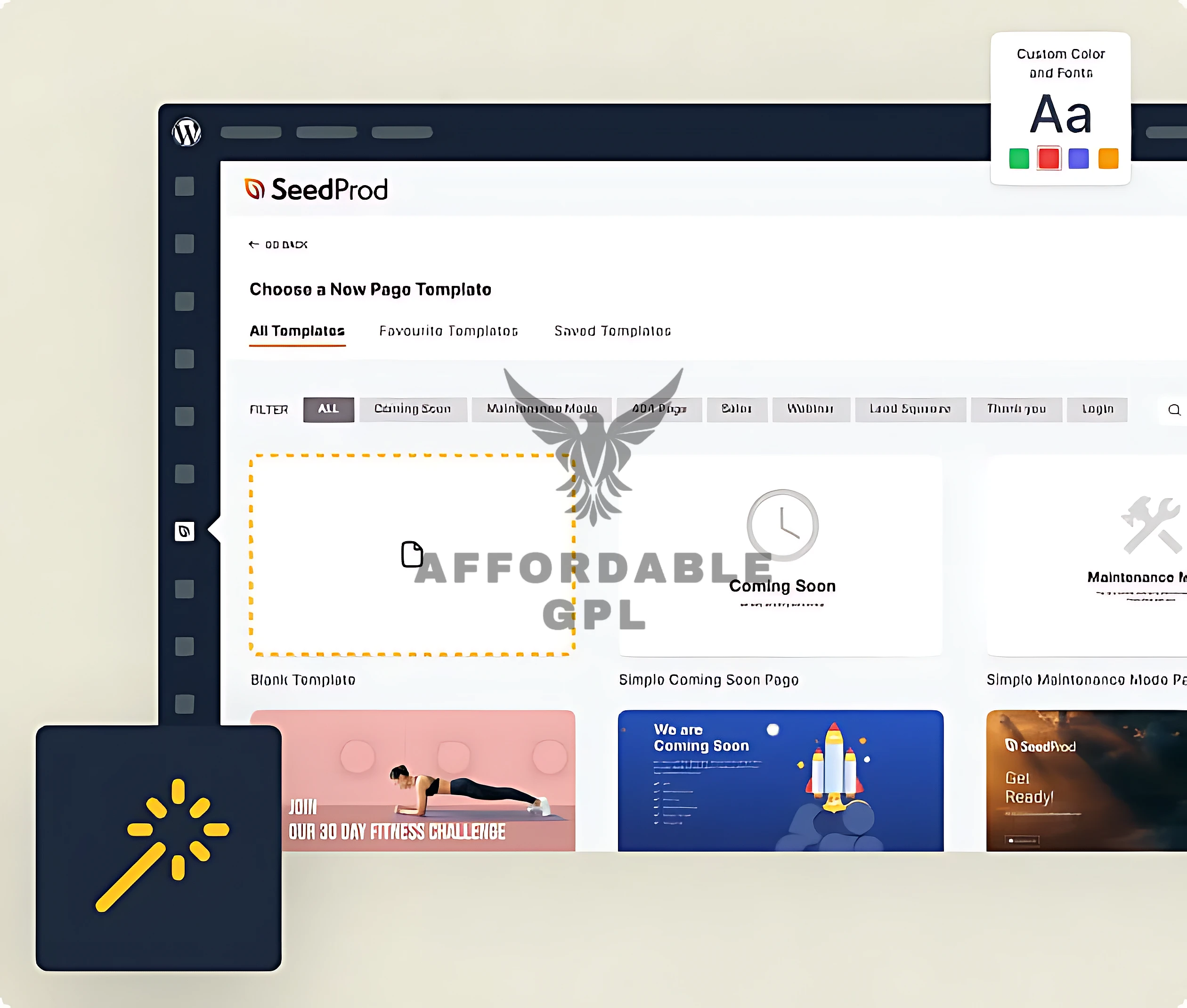
Coming Soon & Maintenance Mode: Put your site “under construction” while you work, collecting valuable leads via an integrated opt-in form.




Pro Features
Unlock the true power of site design and conversion optimization with the advanced capabilities found only in SeedProd Pro:
-
Conditional Template Display: Apply specific templates (e.g., custom post layouts, different headers) only to defined areas of your site based on rules, like categories, tags, or user roles.
-
Dynamic Content Integration: Use template tags to pull dynamic data from WordPress—like post titles, featured images, and author bios—into your custom templates, ensuring consistency and efficiency.
-
Subscriber Management: Native lead capture and management directly within the plugin, allowing for easy export or integration with popular email marketing services.
-
Custom 404 & Login Pages: Create branded, high-converting error and login pages that align with your site’s design and enhance the user experience.
-
Access Control: Easily restrict access to your website or specific pages based on IP address, user roles, or unique secret links—critical for VIP launches and secure maintenance.
WooCommerce Integration
SeedProd Pro transforms your WooCommerce store from a basic shop into a conversion powerhouse by giving you full control over every template:
-
Custom Product Page Layouts: Design a unique layout for your single product pages, moving product images, descriptions, and add-to-cart buttons for maximum sales impact.
-
Optimized Cart & Checkout Pages: Ditch the generic, conversion-killing checkout process. Visually customize your cart and checkout pages to reduce abandonment.
-
Dedicated WooCommerce Blocks: Utilize specialized blocks like Add to Cart, Product Title, Product Price, Product Grid, and Customer Reviews within your custom templates.
-
Theme-Agnostic Design: Works seamlessly with any WooCommerce-ready WordPress theme, eliminating conflicts and allowing complete design freedom.
Setup & Installation
Get the SeedProd Pro plugin up and running in minutes. This guide assumes you have an active WordPress installation.
Step 1: Download & Log In
-
Purchase the SeedProd Pro license.
-
Log in to your account and download the plugin ZIP file.
Step 2: Upload the Plugin
-
From your WordPress Dashboard, navigate to Plugins ➨ Add New.
-
Click the Upload Plugin button.
-
Select the SeedProd Pro ZIP file you downloaded and click Install Now.
Step 3: Launch the Theme Builder
-
Go to SeedProd ➨ Theme Builder.
-
Choose a pre-built theme or click Add New Theme Template to start designing your custom theme elements (Header, Footer, Single Post, etc.) with the drag-and-drop builder.
How to Install & Configure
For the non-technical user, here is a simple guide to transforming your site with SeedProd Pro:
-
Install the Plugin: Follow the three steps above (Download, Upload, Activate). It’s just like installing an app on your phone.
-
Start the Theme Wizard: After activation, SeedProd Pro will prompt you to create your first site. You can use the new AI Website Builder to generate a complete theme instantly by describing your business, or you can pick one of the 200+ pre-made templates.
-
Click and Customize: Inside the editor, click on anything you want to change: text, images, buttons, or layouts. The editor is split into two halves: the right side is your live page, and the left sidebar has all your blocks and settings.
-
Save Global Settings: Use the Global Settings tab to set your site-wide fonts, colors, and background. This ensures your entire site, built with SeedProd Pro, maintains a consistent, professional brand look.
-
Publish: Once your new theme or page is perfect, toggle the Enable Theme switch in the Theme Builder to put your beautiful, high-speed SeedProd Pro site live!
Mobile-Friendly & UX Experience
Speed and accessibility are paramount for high rankings. SeedProd Pro is built with modern performance standards in mind:
-
Built-in Responsiveness: All layouts and templates created with SeedProd Pro are 100% responsive out of the box. They automatically adjust to look perfect on desktop, tablet, and mobile devices.
-
Mobile-First Editing Flow: The visual editor includes a dedicated Mobile Preview button, allowing you to quickly switch the canvas and fine-tune block spacing or visibility specifically for smaller screens.
-
Intuitive UI/UX Benefits: The clean, bloat-free visual interface focuses on conversion elements. By eliminating unnecessary code and providing dedicated conversion blocks, SeedProd Pro naturally guides the user toward better site architecture and flow, which improves both user experience and search engine visibility.
Performance & Scalability
SeedProd Pro is often lauded for its performance advantages over heavier, multi-purpose page builders, making it ideal for scalable stores:
-
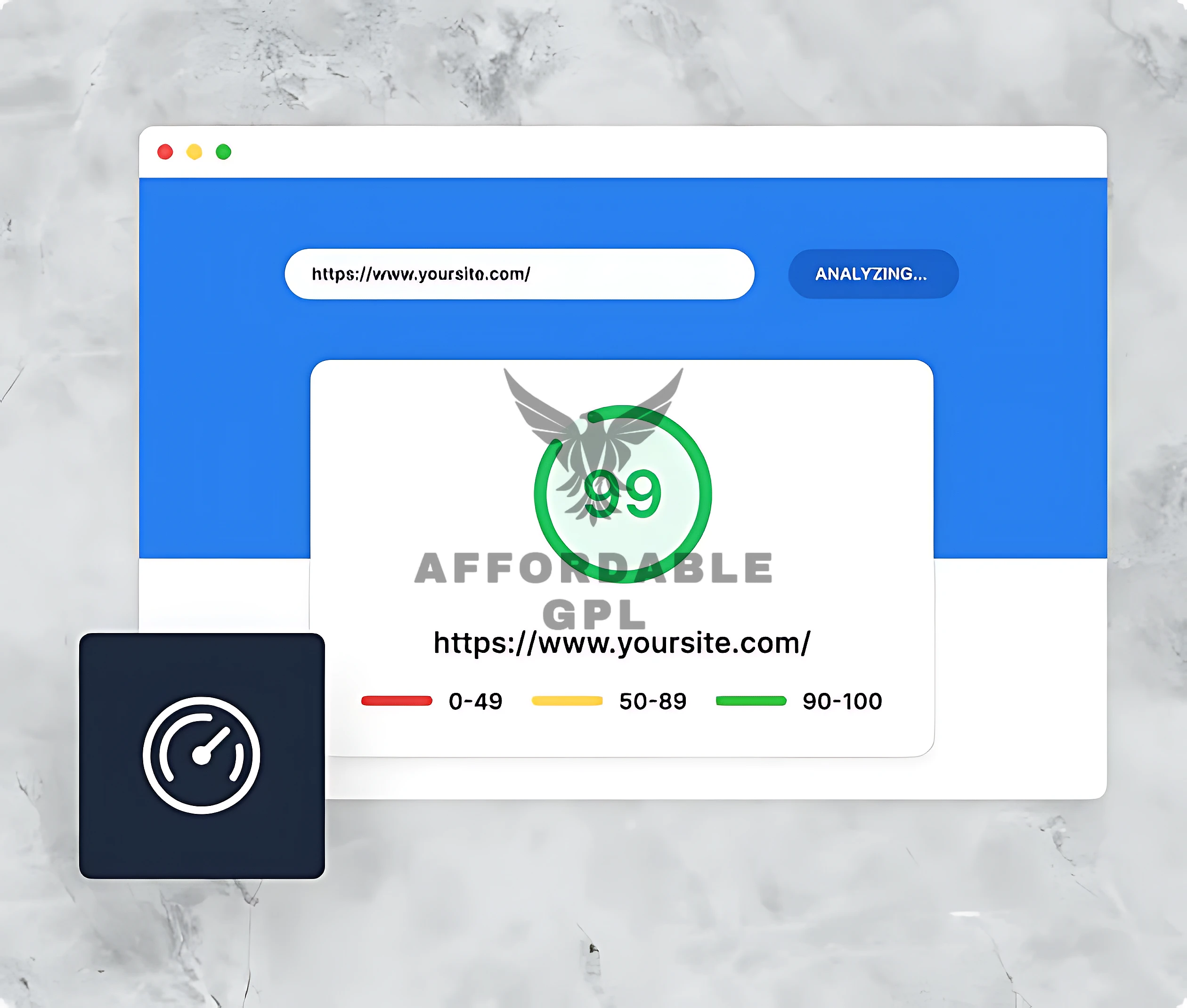
Lightning-Fast Speed Optimization: Pages built with SeedProd Pro are lightweight and load significantly faster than those from competitors because the plugin generates clean, minimalist code, resulting in better PageSpeed Insights scores.
-
Efficient Database Usage: The plugin stores its configurations efficiently, avoiding the “shortcode hell” or bloated database tables common with older builders. This is crucial for maintaining speed as your site scales.
-
Full Compatibility with Caching/CDN: SeedProd Pro is designed to work seamlessly with all major performance plugins (like WP Rocket, LiteSpeed Cache) and CDN services (Cloudflare, Sucuri), allowing for easy, advanced performance tuning.
-
Scalability for Large Stores: The combination of lean code, conditional template loading, and dedicated WooCommerce blocks means SeedProd Pro can power high-traffic, large-inventory WooCommerce stores without the slowdown typically experienced by sites using heavy theme builders.
Alternatives
Pricing
- Original Price: $239.60 + / Yearly | Visit Site
FAQ
-
What exactly is SeedProd Pro and how does it differ from the free version?
-
SeedProd Pro is the premium version that includes the powerful Theme Builder and WooCommerce integration, allowing you to create entire custom websites, not just landing pages, which the free version is limited to.
-
-
Is SeedProd Pro a faster alternative to Elementor or Divi?
-
Yes, SeedProd Pro is explicitly optimized for speed. It generates much leaner, bloat-free code, often resulting in superior loading times and higher performance scores compared to heavier builders like Elementor or Divi.
-
-
Can I use SeedProd Pro to create a custom WooCommerce shop?
-
Absolutely. The SeedProd Pro version includes dedicated WooCommerce blocks and templates, giving you visual drag-and-drop control over your Product, Cart, and Checkout pages.
-
-
What kind of access controls are available in SeedProd Pro?
-
SeedProd Pro allows you to restrict access to your entire site or specific pages based on user roles, IP addresses, or a secret URL, which is perfect for exclusive content or pre-launch reveals.
-
-
Does SeedProd Pro work with my existing WordPress theme?
-
Yes. SeedProd Pro is theme-agnostic. While you can use its Theme Builder to replace your theme entirely, its landing pages can be launched independently on any standard WordPress theme without conflict.
-
SeedProd Pro Review
Vendor Site Review (Summary)
SeedProd Pro is positioned as the definitive solution for WordPress users prioritizing speed and conversion. The vendor highlights the switch from being just a landing page builder to a complete WordPress Theme Builder that’s clean and lightweight—solving the “bloat” problem of competitors. Emphasis is on the drag-and-drop simplicity, powerful WooCommerce integration, and crucial marketing features like Coming Soon/Maintenance Modes with lead capture. The overall vendor messaging is about speed, simplicity, and conversion.
User Expert Reviews (Synthesis)
Expert reviews consistently praise SeedProd Pro for its lightning-fast performance and ease of use, making it ideal for both beginners and conversion-focused marketers. Many reviewers note that the pages built with the plugin score higher on performance tests than those built with its main competitors. The WooCommerce Theme Building capability is frequently highlighted as a major value proposition for store owners. The main drawback cited is sometimes a slightly smaller block/widget library compared to competitors, but this is a trade-off for its speed and simplicity advantage.
Reviews
There are no reviews yet.